The way it's done now
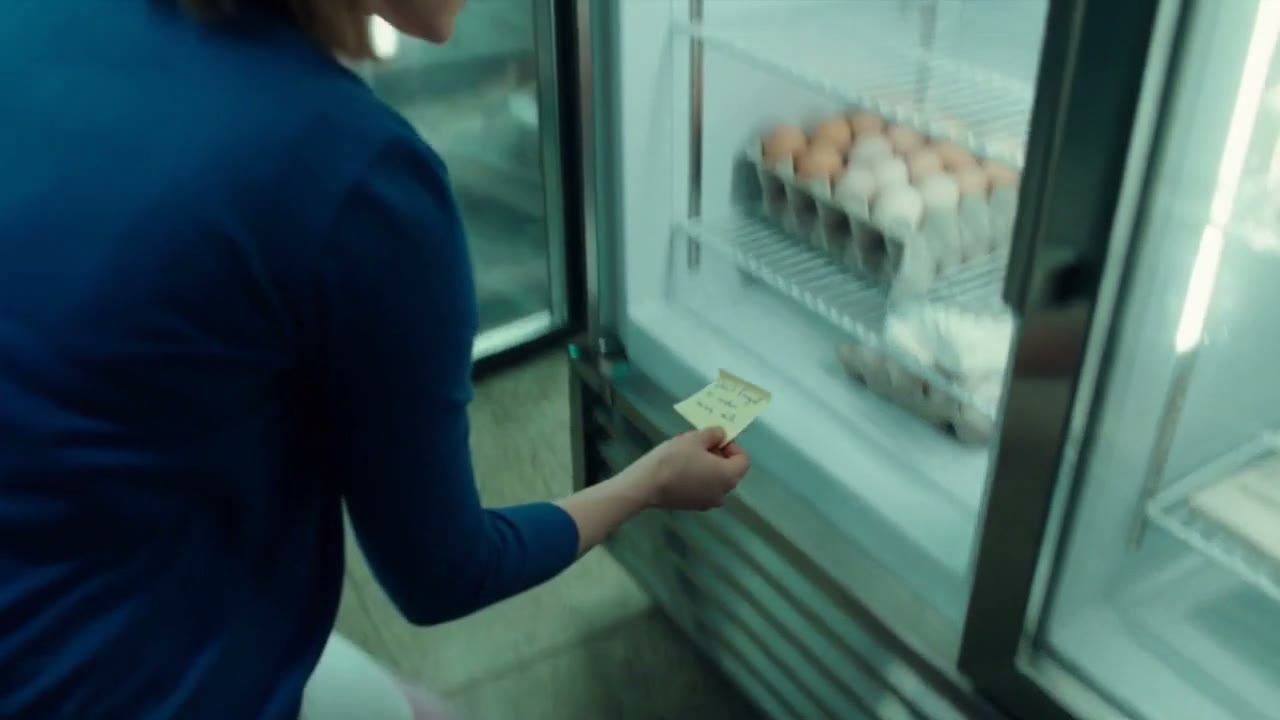
- Someone has to notice. Then remember, on a busy morning, before the cut-off.
- Someone has to know who's cheapest, and what each supplier's minimum is.
- The next shift finds the last bottle.
Stock ordering for bakeries & cafés
Add your data once. After that, your staff just scan a product when they open it. Every order is generated for you, and FullShelf asks one thing: are you happy to proceed?
The note on the fridge
In most kitchens, ordering runs on whoever notices. With FullShelf, every scan counts, and the order is generated before the shelf is empty.
Each scan takes one 2 L bottle off the Milk balance. Scan it down to the minimum to see the top-up.
How it works
Four steps. Staff do two of them in a few seconds, you do one with a tap, and FullShelf does the rest.
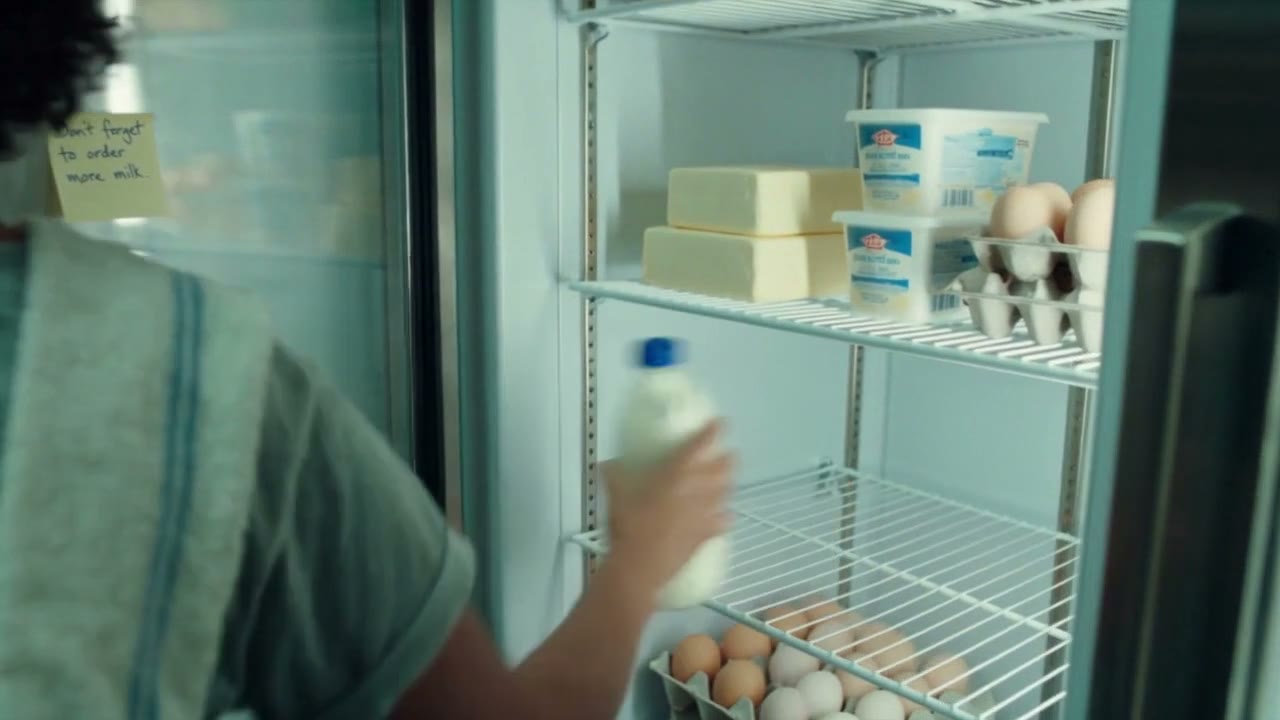
Once your data is in, that's the only job: staff scan a product on the shop tablet when they open it. One scan is one unit, so the count stays right without anyone counting.
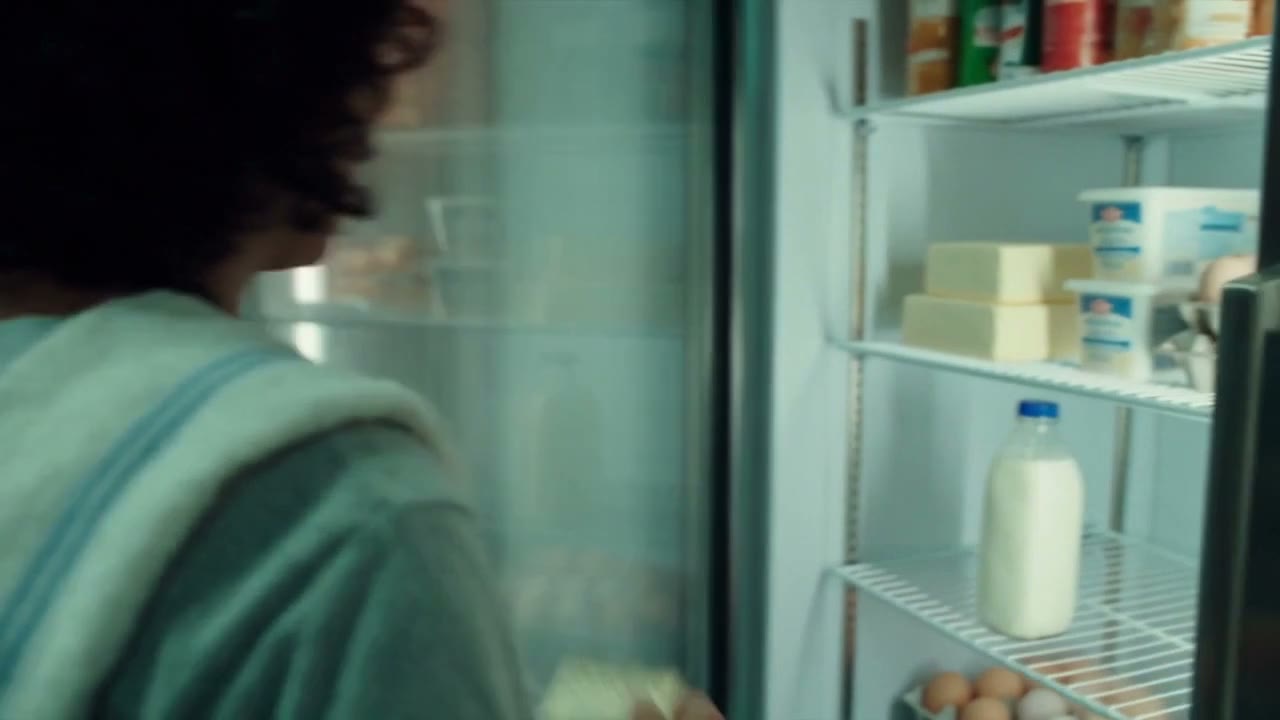
All your ordering is generated. At its minimum, an item is topped up to its maximum from the cheapest supplier, in whole crates and cartons, inside that supplier's order days, cut-off and minimum order.
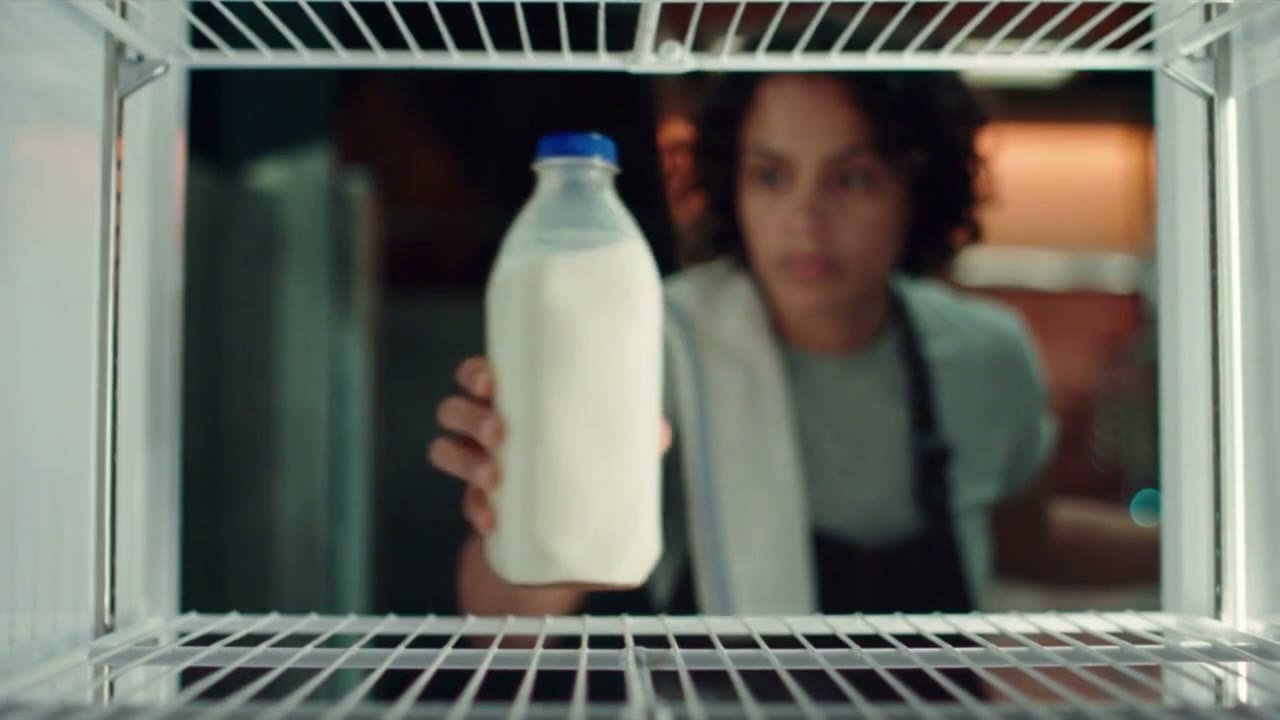
Nothing goes out until you say yes. Approve it, change a line or hold it for later. FullShelf emails it to the supplier before the cut-off and reminds you if you haven't looked.
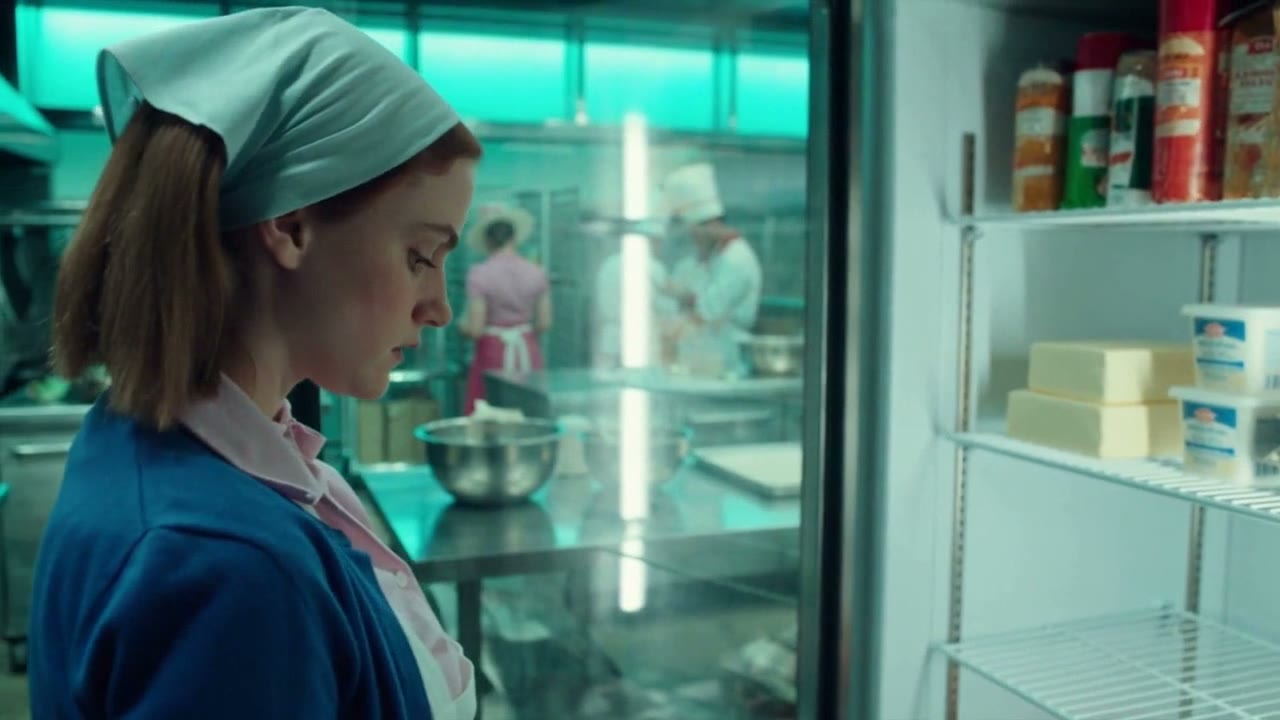
When the delivery arrives, staff tick each line on the tablet and check the fridge temperature. Short, damaged or swapped items are noted, and the stock updates itself.
Your morning
Open FullShelf with your coffee and see what to approve, what's late and what's running out. Everything else is handled.
What you stop doing
The jobs that eat the start of every day, gone.
Every order is generated for you, ready to approve. You check it, you don't write it.
Scans keep the count as stock is used, so you already know what's on the shelf.
Shelf looks empty? You don't need to search for where someone put it. You can see it's been ordered and when it arrives.
Orders top up to the maximum you set and no further, so stock doesn't take up space or pass its date.
Each item comes from the supplier that's cheapest per unit.
The order doesn't depend on who noticed, or on a note staying stuck to the fridge.
Getting started
You don't start with a blank screen. We work with you to import your stock list and your suppliers' details, so setting up takes an afternoon, not weeks of typing.
No reformatting needed.
Products, pack sizes, supplier codes and prices, plus each supplier's order days, cut-off, minimum order and delivery charge.
We go through anything we weren't sure of with you, and set a minimum and maximum for each item.
Staff scan products as they open them, and your first orders are generated.
Questions
We're building the prototype now, with South Australian bakeries and cafés. Register your interest below and we'll be in touch as we bring more businesses on, starting in South Australia.
No. Every order waits for your OK. If you haven't looked as a cut-off gets close, FullShelf reminds you, and if you still haven't, the order is held, never sent.
They scan an item as they open it, and tick lines off when a delivery arrives. The shop tablet shows only those two jobs, with big keys.
No. Send us your stock spreadsheet and your suppliers' price lists or order forms, and we import them for you. You check what we've matched and set each item's minimum and maximum. You'll also need a tablet and a barcode scanner for the shop.
Cheapest per unit among the suppliers that stock the item, rounded up to whole crates or cartons, inside each supplier's order days, cut-off and minimum order. You can mark a preferred supplier for any item.
Staff note it on the tablet as they check the delivery. Missing items stay on order, damaged ones are recorded, and anything over 5°C is flagged to you before it's accepted.
Yes. You can opt to not accept deliveries on public holidays and it will place orders factoring in your consumption rates and available delivery dates.
Register your interest
FullShelf is a prototype, and we're building it right now with South Australian bakeries and cafés. Register your interest and we'll be in touch as we bring more businesses on. In South Australia? You could help shape it.
No cost and no commitment. We'll only email you about FullShelf.